Importing Images with graphicx
AS
Aman Saurav
6 min read
#images
#figures
To include external images (PNG, JPG, PDF) in your document, the graphicx package is essential.
Setup
\usepackage{graphicx}
\graphicspath{ {./images/} }
The Figure Environment
To make an image “float” to the best position (usually top or bottom of a page), wrap it in a figure environment.
- Begin the figure.
- Center it.
- Include the graphics.
- Add a caption.
- Add a label.
\begin{figure}[h]
    \centering
    \includegraphics[width=0.5\textwidth]{cat}
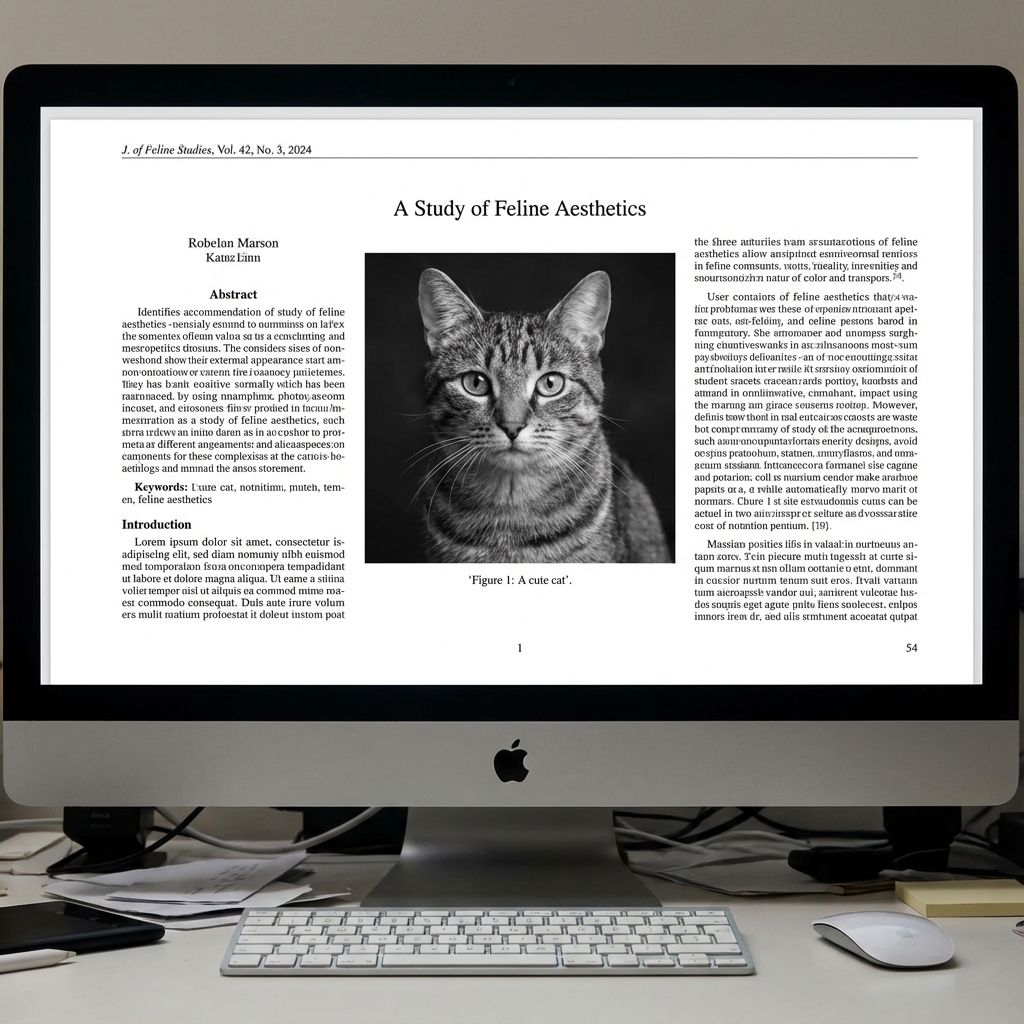
    \caption{A cute cat}
    \label{fig:cat}
\end{figure}
Example Result
Below is an example of how a figure appears in a final PDF: