Mastering Page Layout with geometry
AS
Aman Saurav
4 min read
#layout
#formatting
The geometry package makes changing margins and page size trivially easy, saving you from calculating esoteric TeX dimensions manually.
Basic Usage
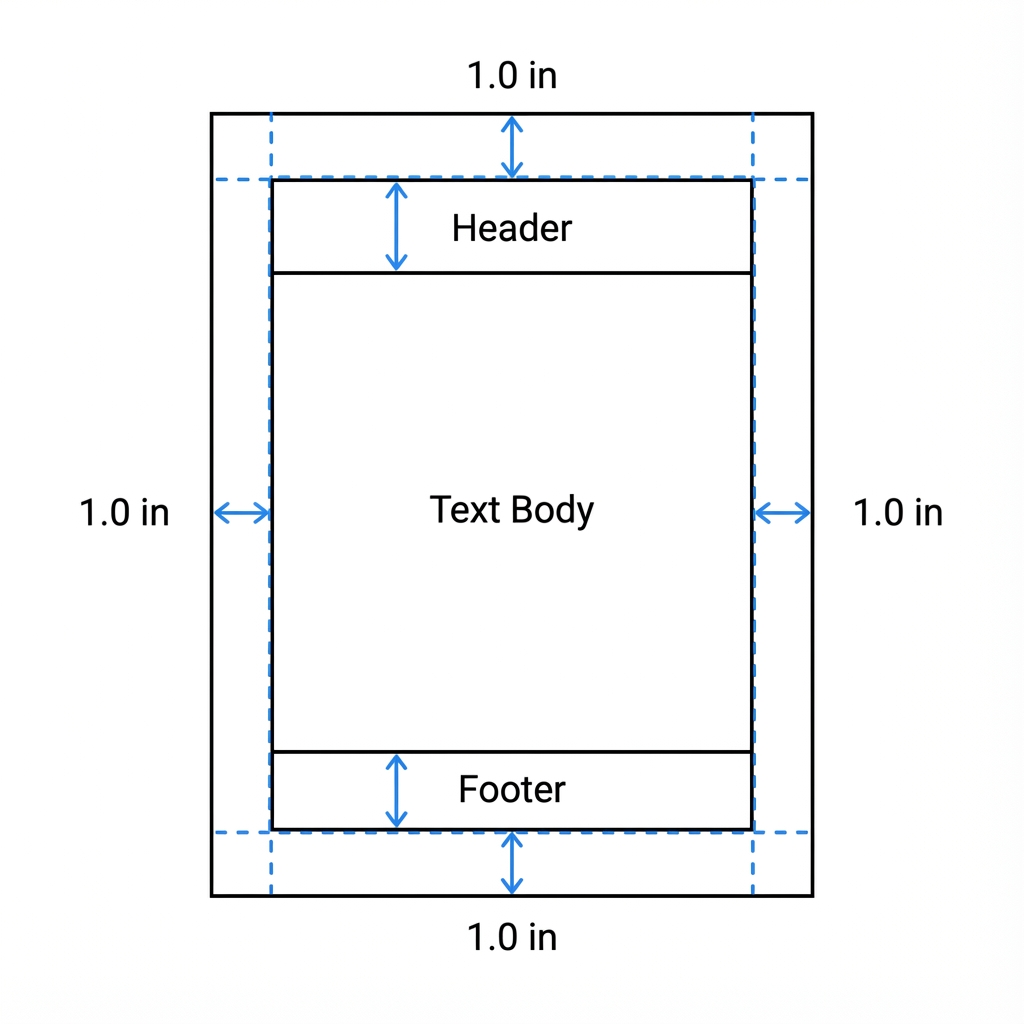
To set standard 1-inch margins around the entire page:
\usepackage[margin=1in]{geometry}
Custom Margins
You can specify different margins for each side:
- Top:
top=2cm - Bottom:
bottom=2cm - Left:
left=3cm - Right:
right=1cm
\usepackage[a4paper, total={6in, 8in}]{geometry}
Visualizing the Layout
Sometimes it helps to see the layout boundaries. Use the showframe option:
\usepackage[showframe]{geometry}